 Premiere Pro 2023+
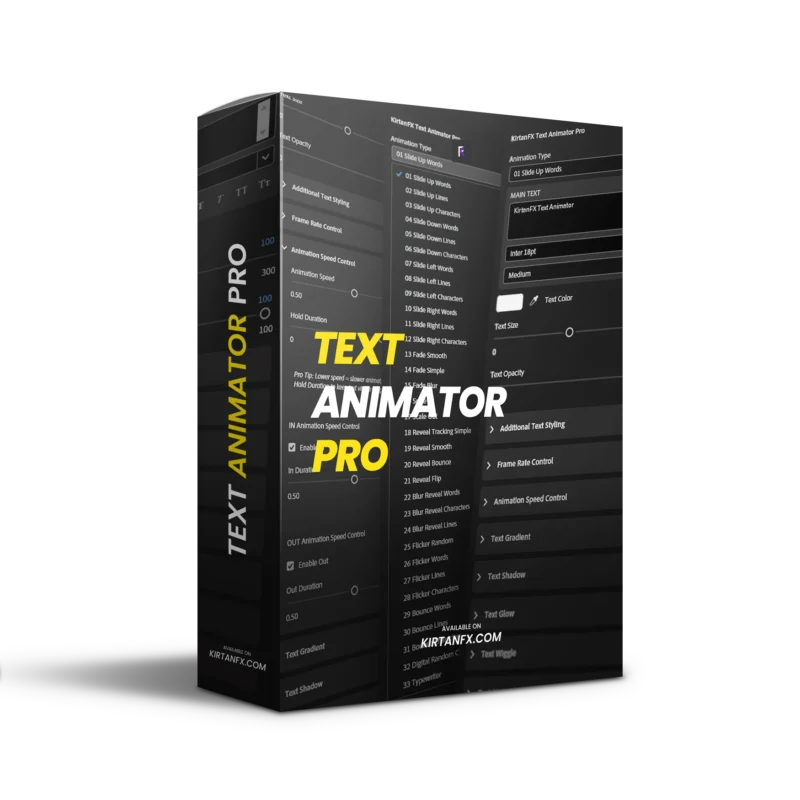
KirtanFX Text Animator Pro for Premiere Pro
42 Professional Smooth Text Animations. No After Effects. No Plugins. No Keyframes
Drag it to your timeline. Type your text. Pick your animation. Done in seconds.
Perfect for Reels, YouTube, ads, client work, and cinematic edits.
What’s Inside
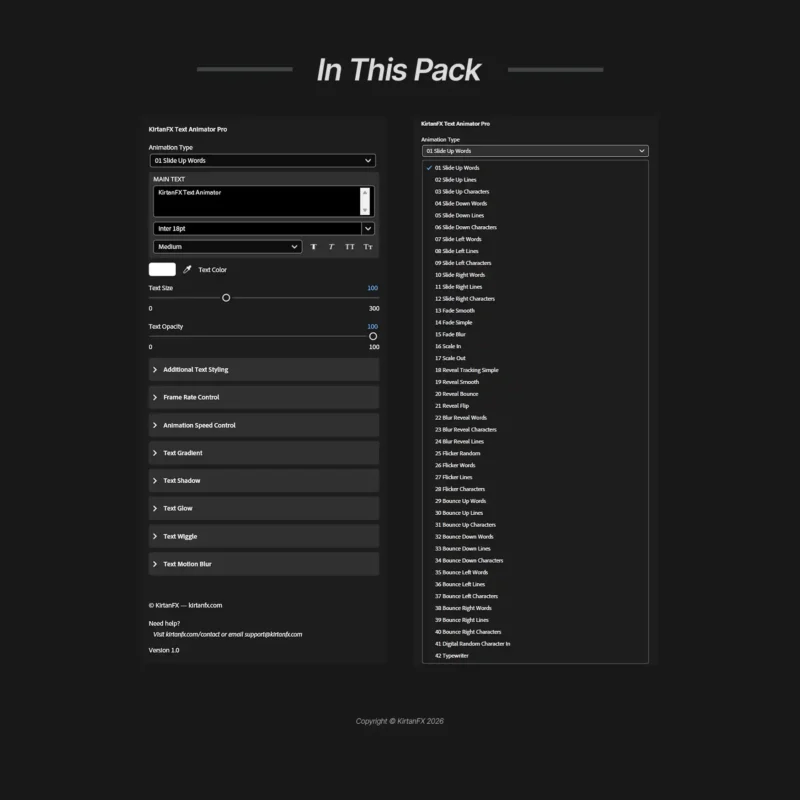
42 smooth animations with IN and OUT — Slide, Fade, Scale, Reveal, Bounce, Flicker, Blur Reveal, Digital Random, and Typewriter at word, line, or character level.
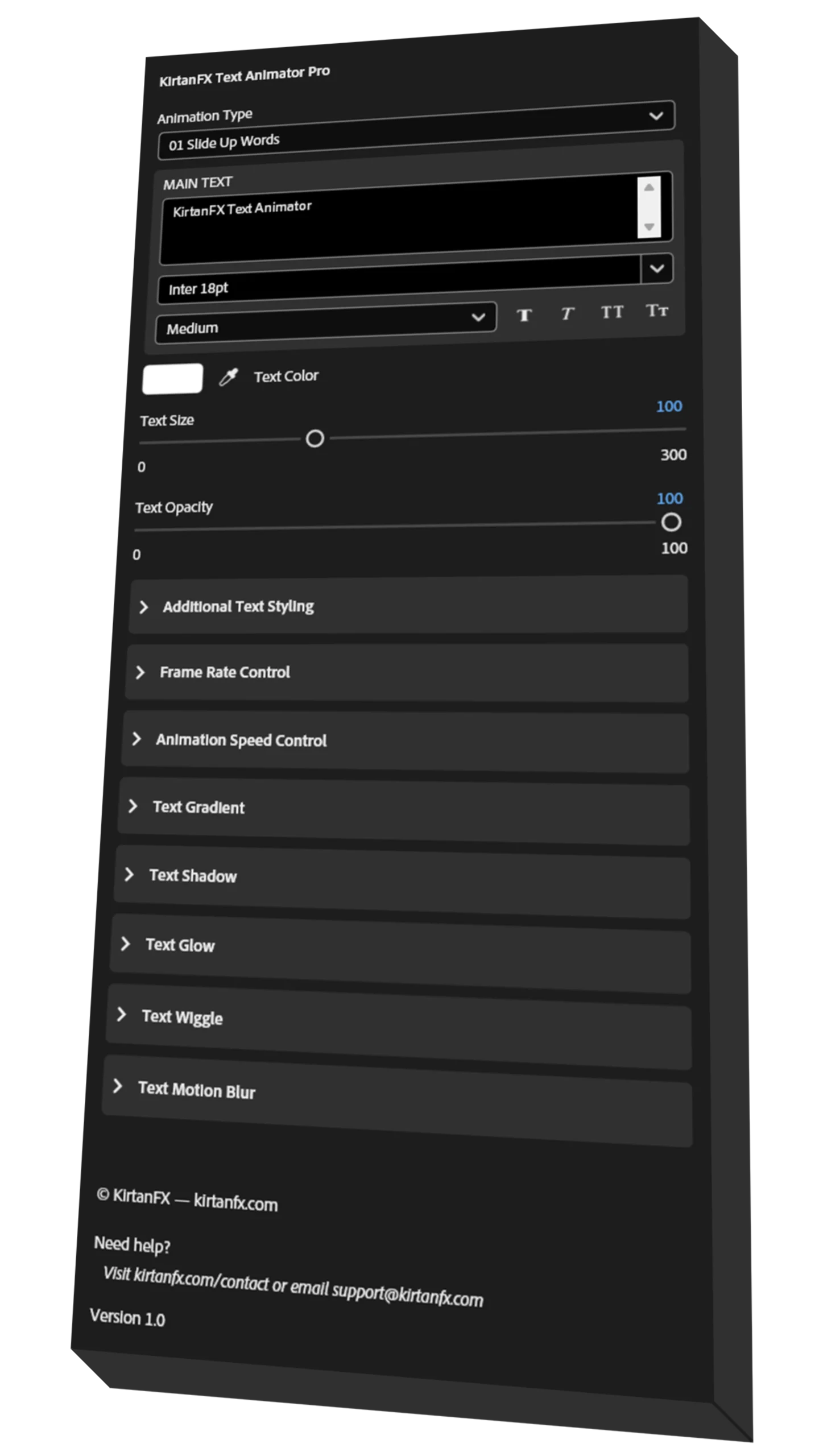
Full text control — font, size, color, opacity, letter spacing, and stroke, all inside Premiere Pro.
Animation Speed Control — separate IN, OUT, and Hold Duration sliders.
Frame Rate Control — 3 to 60 FPS for smooth or stylized motion.
Text Gradient — 2-color gradient with position control.
Text Shadow — opacity, direction, distance, and softness.
Text Glow — intensity, radius, and threshold.
Text Wiggle — Basic, Word, and Character level with speed control.
Text Motion Blur — samples and shutter control.
Additional Text Styling — letter spacing, line spacing, and stroke.
Bonus — 10 free fonts included to get started instantly.
Zero After Effects. Zero Keyframes. Zero Plugins. 100% Inside Premiere Pro.
Compatibility
- Adobe Premiere Pro 2023 and above.
- Fully compatible with Windows and Mac.
- No plugins required — 100% native.
Want the After Effects version? Get it here
How to Get Started
- Import the MOGRT into Premiere Pro’s Essential Graphics panel.
- Drag it onto your timeline. Type your text, pick your animation, and adjust the controls.
- Watch the included How To Use.mp4 if you need guidance.
- Ready in under 2 minutes.
Frequently Asked Questions (FAQ)
1. Do I need After Effects to use this?
No. This is a MOGRT file — it works entirely inside Adobe Premiere Pro. After Effects is not required
2. Are plugins required?
Zero plugins. Everything runs 100% natively inside Premiere Pro.
3. Can I use this for commercial and client projects?
Yes. Commercial use is fully included — YouTube, ads, Reels, and client work are all covered.
4. Does it work on Windows and Mac?
Yes, fully compatible with both Windows and macOS.
5. Is the After Effects version included?
Not in this pack. You can get the After Effects version separately at kirtanfx.com/product/text-animation-presets-pack/
6. How do I install it?
Import the MOGRT into Premiere Pro’s Essential Graphics panel and drag it to your timeline. A full video tutorial is included and covers installation, applying animations, and customization.
7. What if I run into issues?
Contact us at kirtanfx.com/contact or join the KirtanFX Discord for fast, reliable support directly from the team.
The only text animator you will ever need in Premiere Pro.
Having trouble with checkout?
Oliver –
bro cooked with this one 🔥
Aiden –
these text animations are actually cleannn 😭🔥
Rohan –
bro this should cost more honestly
Daniel –
Thank you <3
Ryan –
The animations are clean and modern, not cheesy at all.
Nikhil –
One of the best text animation packs I’ve used so far.
Samuel –
Exactly what I needed for client work. Saves a lot of setup time. Thanks again!
Emma –
Bro… why didn’t I find this sooner?
Luca –
bro loved it, easy to use
Lucas –
Nice animation pack overall. Took a few minutes to explore, but works great once set up.